
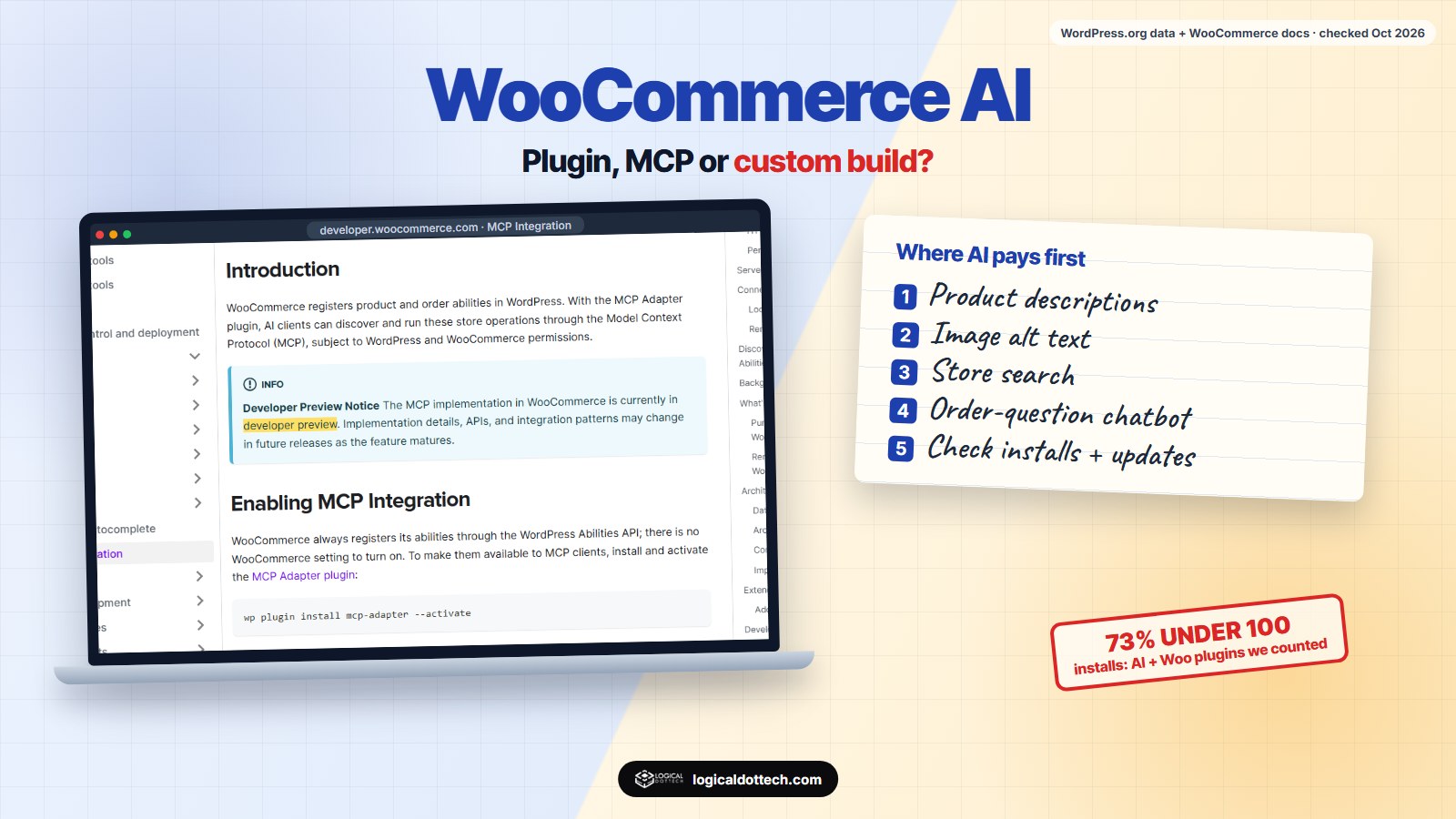
Short answer: for most WooCommerce stores, AI pays off first on high-volume, repetitive jobs: product descriptions and alt text, store search, and a chatbot for order questions. Use one well-maintained plugin per job. Use WooCommerce’s own MCP integration, still a developer preview, when you want Claude or ChatGPT to manage products and orders, and go custom when AI has to work with your own systems. Before installing anything, check installs, the last update and where your data goes.
We build AI features into WooCommerce stores, and our own product, wptaskify, connects Claude and ChatGPT to WordPress and WooCommerce sites, so we work with both the plugin route and the custom route. Our view: most stores do not need “AI everywhere”. They need two or three jobs done faster and checked by a person. This guide shows what AI can do in a store, what we found when we counted the AI plugins on WordPress.org, and how to choose. Checked on 26 October 2026.
What can AI do in a WooCommerce store?
| Job | What the AI does | Watch out for |
|---|---|---|
| Product descriptions | Drafts descriptions, SEO titles and meta descriptions from your product data | Same-sounding text across products; check facts such as sizes and materials |
| Image alt text | Describes each product image for search and screen readers | Generic alt text that ignores colour and style |
| Store search | Understands typos, synonyms and plain questions | Extra scripts and running cost per search |
| Chatbot or shopping assistant | Answers product and order questions, suggests products | Wrong answers on stock, price or returns |
| Recommendations | Related products and “bought together” based on behaviour | Needs enough orders to learn from |
| Bulk edits | Rewrites, translates or fixes many products at once | One bad prompt changes hundreds of products |
| Store management by an assistant | Claude or ChatGPT reads and updates products and orders through MCP | Permissions, and testing before it touches live orders |
For automation that does not need AI at all, such as abandoned cart emails or stock alerts, see our guide to WooCommerce automation.
What we found when we counted WooCommerce AI plugins
WordPress.org lists about 3,300 plugins for the search “woocommerce ai”.
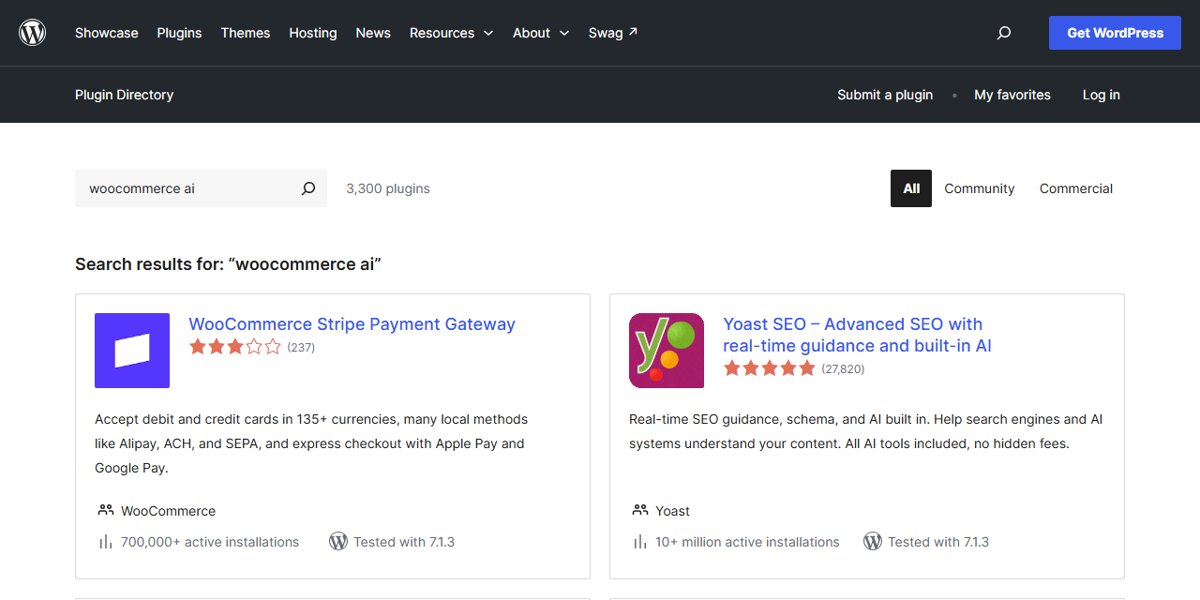
Most of them are not AI plugins for stores; they simply match one of the words. So we pulled the results through the WordPress.org plugin API and kept only plugins with both “AI” and “Woo” in their name. That left 96. Their active installs on 26 October 2026:
| Active installs | Plugins | Share of the 96 |
|---|---|---|
| Fewer than 100 | 70 | 73% |
| 100 to 999 | 16 | 17% |
| 1,000 to 9,999 | 6 | 6% |
| 10,000 or more | 4 | 4% |
31 of the 96 had no user ratings at all. And several of the biggest names, such as multivendor and product feed plugins, are established plugins that added AI features and put “AI” in their title. Our reading: the “AI for WooCommerce” label is everywhere, but very few of these plugins have a track record yet. Treat a new AI plugin like any new supplier: small test first.
WooCommerce MCP: let Claude or ChatGPT manage your store
MCP (Model Context Protocol) is a standard way for AI assistants to use tools. WooCommerce registers store operations through the WordPress Abilities API, and with the separate MCP Adapter plugin an AI client can run them. According to the WooCommerce MCP documentation, the available operations are:
- Products: query, create, update and delete.
- Orders: query, read order notes, update status and add notes.
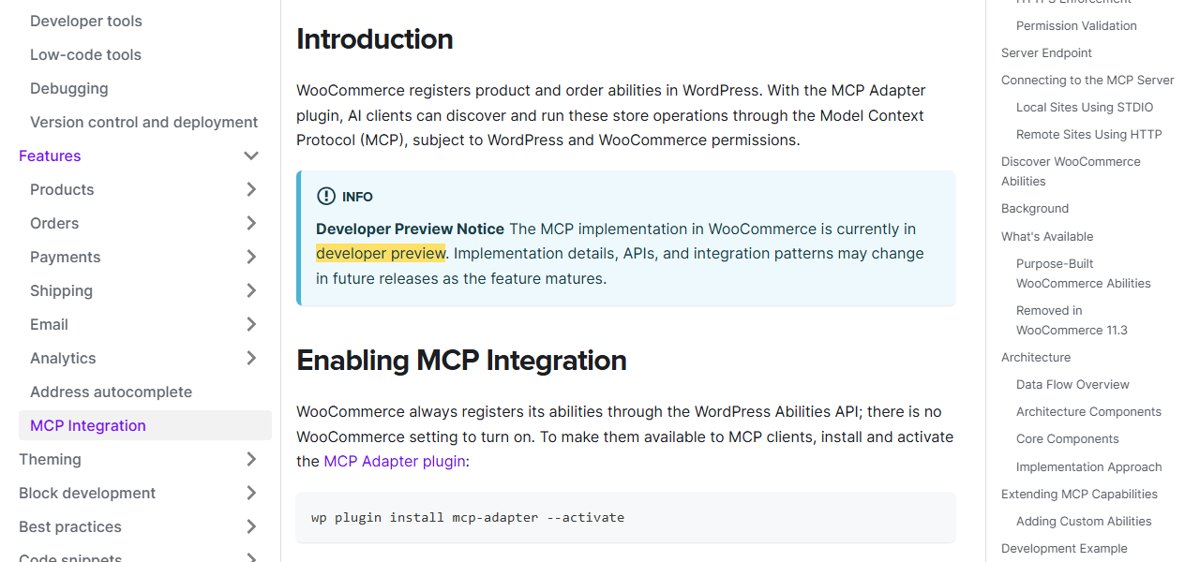
Three cautions from the same page. It is a developer preview, so details may change. Remote connections use a WordPress username with an Application Password over HTTPS, never your main password or a REST API key. And order operations can expose customer names, emails, addresses and payment details, so connect as a user with only the permissions the job needs, and test on a staging copy before production.
Agentic commerce: when AI assistants shop for your customers
The next step is AI assistants that find and buy products for shoppers. In its roadmap post of 3 October 2025, WooCommerce said it is working with Stripe on its Agentic Commerce Protocol, testing off-site checkout with partners such as Google and Stripe, and experimenting with OpenAI’s Product Feed Spec.
You do not need to do anything special yet, but the groundwork is the same as good product SEO: clear titles, full attributes (size, colour, material), correct prices and stock, GTINs where you have them, product schema on every product page, and a clean product feed.
Plugin, MCP or custom: which fits your store?
| AI plugin | WooCommerce MCP | Custom build | |
|---|---|---|---|
| Best for | One job: descriptions, search or chat | Running the store by talking to Claude or ChatGPT | AI linked to your ERP, courier, CRM or own data |
| Setup time | Hours | A day, plus testing | Weeks |
| Control over data and prompts | Low to medium | Medium | Full |
| Main risk | Small, untested plugins | Preview status, permissions | Cost and upkeep |
How to choose a WooCommerce AI plugin
- Active installs and ratings. Prefer plugins with a few thousand installs and recent reviews.
- Last updated and tested with your WordPress version. Shown on every WordPress.org plugin page.
- Where your data goes. Which AI provider receives product and customer data, and whether you bring your own API key.
- How you pay. Credits, tokens or a flat fee, and what happens when credits run out.
- Review before publish. Bulk changes should go to drafts or a preview, not straight live.
- Speed. Measure page speed before and after installing anything that loads on the storefront.
Will AI-written product content hurt your Google rankings?
Google’s guidance on AI-generated content (8 February 2023) says: “Appropriate use of AI or automation is not against our guidelines.” What it does not allow is using automation “with the primary purpose of manipulating ranking in search results”. In a store, that means AI drafts are fine, but hundreds of near-identical, padded descriptions are not. Edit them, and add the details only you know: fit, materials, care, who it suits.
Our own numbers
In our Search Console for the 90 days to 22 October 2026, our AI WooCommerce page was shown 105 times at an average position of about 54. The search “woocommerce ai” brought 23 impressions at position 83, while the longer “ai for woocommerce” was at position 18. The short, broad term is crowded; the specific questions are where a smaller site can rank, which is why this guide answers them one by one.
If you want AI added to your store, see our AI for WooCommerce and ecommerce development services. Book a free 30-minute call and we will tell you which one or two AI jobs are worth doing first in your store.
Common questions
Does WooCommerce have built-in AI?
WooCommerce has an official MCP integration that lets AI assistants such as Claude work with products and orders. Its developer documentation calls it a developer preview, and it needs the separate MCP Adapter plugin. Most other AI features, such as writing descriptions or a chatbot, come from plugins or custom work.
Can ChatGPT or Claude manage my WooCommerce store?
Yes, through MCP. With WooCommerce’s MCP integration and the MCP Adapter plugin, an AI client can query, create, update and delete products, and query orders, read order notes, update order status and add notes, within the permissions of the WordPress user it connects as. Test it on a staging copy first.
Will AI product descriptions hurt my SEO?
Not because they are written by AI. Google says appropriate use of AI is not against its guidelines, while using automation mainly to manipulate rankings is spam. Thin, near-identical descriptions hurt either way, so edit what the AI writes and add real details such as materials, sizes and care.
What is the best AI chatbot for WooCommerce?
There is no single best one. Pick a chatbot that reads your live products and order status, hands over to a person or WhatsApp, shows you the conversations, and says which AI provider receives your customer data. Check installs and the last update date before you install.
Do AI plugins slow down a WooCommerce store?
They can. A chatbot or search widget adds scripts to every page, and bulk AI jobs can load the server. Measure page speed before and after, and run bulk jobs at quiet times.
Is AI search better than the default WooCommerce search?
Usually, for stores with many products. Default search matches words in titles and descriptions, while AI search can handle typos, synonyms and questions such as “red dress under 2000 for a wedding”. For a store with 30 products, better filters and categories often help more.
Sources checked on 26 October 2026: WooCommerce developer docs, MCP Integration, WooCommerce, AI and agentic commerce roadmap (3 October 2025), Google Search Central, guidance about AI-generated content (8 February 2023) and the WordPress.org plugin directory. Plugin counts are our own, from the WordPress.org plugin API on 26 October 2026, counting plugins with both “AI” and “Woo” in the name. Disclosure: wptaskify is our own product.