
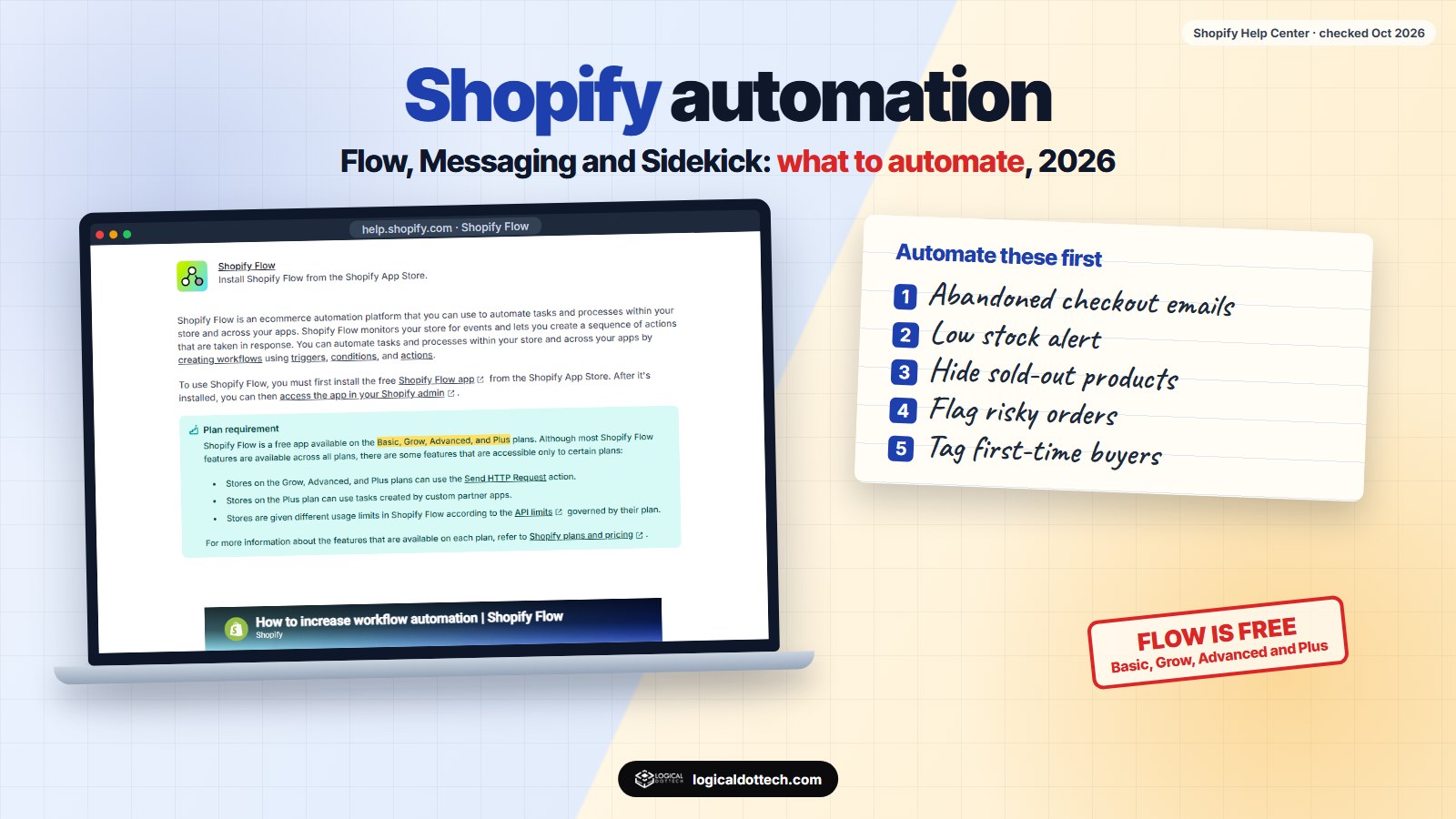
Short answer: Shopify has three built-in tools for automation. Shopify Flow (free on every paid plan) runs “when this happens, do that” rules such as tagging big spenders or hiding sold-out products. Shopify Messaging sends abandoned checkout, welcome and win-back emails, with 10,000 free emails a month. Sidekick, the AI assistant, drafts product content and answers questions about your store. Most small stores can automate a lot before paying for any extra app.
This guide lists what to automate on a Shopify store, which built-in tool does it, and what it costs. Every fact comes from Shopify’s own help centre and was checked on 19 October 2026. If you run WooCommerce instead, read our WooCommerce automation guide.
What can you automate on Shopify?
| Task | Built-in tool | Cost or plan |
|---|---|---|
| Abandoned checkout reminders | Shopify Messaging | Free, does not count towards the email limit |
| Welcome, browse abandonment and win-back emails | Shopify Messaging automations | Counts towards 10,000 free emails a month |
| Tagging customers and orders | Shopify Flow | Free on Basic, Grow, Advanced, Plus |
| Low stock alerts and hiding sold-out products | Shopify Flow | Free on Basic, Grow, Advanced, Plus |
| Flagging risky or very large orders for a person to check | Shopify Flow | Free on Basic, Grow, Advanced, Plus |
| Sending orders to WhatsApp, Sheets or accounting | Flow “Send HTTP Request” | Grow, Advanced or Plus |
| Product descriptions, blog drafts, quick reports | Sidekick | In the admin; you review each change |
What is Shopify Flow?
Shopify describes Flow as an ecommerce automation platform that watches your store for events and runs a sequence of actions in response. Every workflow has three parts:
- Trigger. The event that starts it, such as “order created”, “product inventory changed” or “customer created”.
- Condition. The check that decides whether to go on, such as “order total is more than ₹20,000” or “inventory is below 5”.
- Action. What happens, such as add a tag, send an internal email, hide a product or send data to another app.
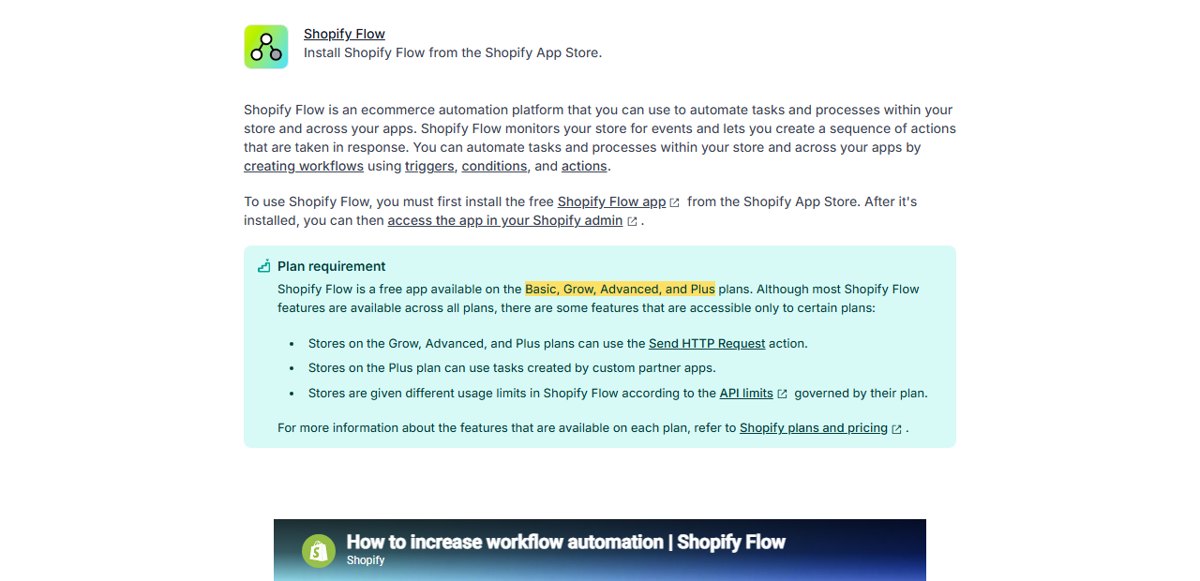
Flow is free, but two parts depend on your plan: the Send HTTP Request action needs Grow or higher, and tasks from custom partner apps need Plus. Usage limits follow each plan’s API limits.
Which Shopify Flow workflows are worth setting up?
These are the ones we would set up first on most stores. Each is a single trigger, condition and action:
| Workflow | Trigger | Action |
|---|---|---|
| Low stock alert | Product inventory changed, and quantity is below your number | Email the person who reorders |
| Hide sold-out products | Inventory reaches zero | Unpublish the product, and republish it when stock returns |
| Tag big spenders | Order paid, and the customer’s total spend is above your number | Add a “VIP” tag for special offers |
| Check risky orders | Order created, and the fraud risk is high | Tag it and email the team before it is packed |
| Large order heads-up | Order created, and the total is above your number | Message the team so it gets packed with care |
| First-time buyer tag | Order paid, and it is the customer’s first order | Tag the customer so welcome emails can follow |
Flow also comes with ready-made templates, so look there before building from a blank screen.
How do you turn on abandoned checkout emails?
Shopify does not send them until you switch them on. According to Shopify’s abandoned checkout guide, a checkout counts as abandoned once it stays incomplete for more than ten minutes after the customer has entered an email. To turn the emails on:
- Open the automation. In the Shopify admin, go to Apps > Messaging > Automations.
- Edit its settings. On the abandoned checkout automation, choose Edit settings.
- Switch it on. Select “Send abandoned checkout emails automatically”.
- Choose who and when. Pick which visitors get it and how long after they leave it goes out.
- Edit the email. Add your logo, a clear photo of the product and an answer to the usual worry, such as delivery time or returns.
How much do Shopify emails cost?
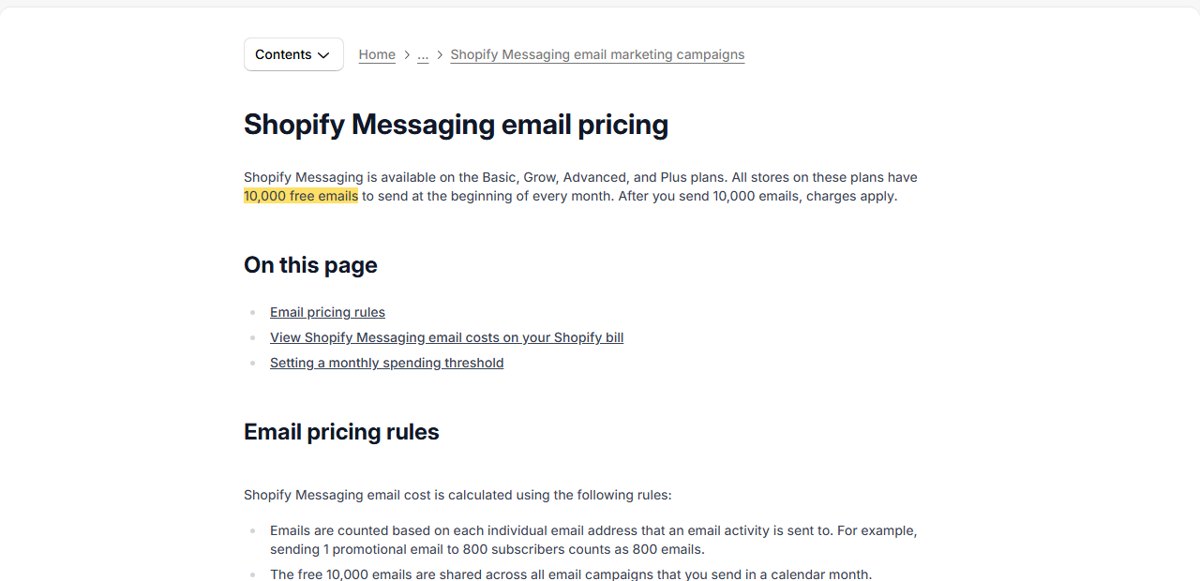
| Emails sent in a month | Price |
|---|---|
| First 10,000 | Free |
| 10,001 to 300,000 | $1 per 1,000 |
| Above 300,000 | $0.65 per 1,000 |
| Above 750,000 | $0.55 per 1,000 |
| Abandoned checkout emails | Always free, not counted |
Each address counts once per email, so one campaign to 800 subscribers uses 800 of your 10,000. Other marketing automations, such as welcome and win-back emails, count towards the limit.
What can Sidekick do?
Sidekick is the AI assistant inside the Shopify admin. Shopify says it can answer questions, analyse data, manage orders, edit products, write content such as product descriptions and blog posts, create images, and even build small custom apps for your store. It shows each change for your review before applying it.
Use it for first drafts and quick answers (“which products sold best last month?”). Read every product description it writes before you accept it. A wrong size, material or delivery promise turns into returns and bad reviews.
What should a new Shopify store automate first?
- Day 1: turn on abandoned checkout emails. They are free.
- Week 1: install Flow and add a low stock alert and the hide-sold-out workflow.
- Week 2: a welcome email for new subscribers, and a tag for first-time buyers.
- Week 3: a risky order check and a large order heads-up for the team.
- Later: win-back emails, VIP tags, and sending orders to your other tools once you are on Grow or higher.
Common Shopify automation mistakes
| Mistake | What to do instead |
|---|---|
| Paying for an abandoned cart app before trying the free built-in one | Turn on Shopify’s own abandoned checkout emails first |
| Ten workflows that all email the same person | One daily summary, and instant alerts only for urgent things |
| Hiding sold-out products without a rule to bring them back | Add the republish step in the same workflow |
| Accepting every Sidekick change without reading it | Review each change, as Shopify asks |
| Sending campaigns to the whole list every week | Watch the 10,000 free emails and send to the people most likely to buy |
If you would like this set up for you, our Shopify automation service covers Flow workflows, Messaging emails, Sidekick and connections to your other tools. Still deciding between platforms? Read WordPress vs Shopify. Or book a free 30-minute call and we will look at your store with you.
Common questions
Is Shopify Flow free?
Yes. Shopify says Flow is a free app on the Basic, Grow, Advanced and Plus plans. The Send HTTP Request action, which sends data to other apps, needs Grow or higher, and tasks from custom partner apps need Plus.
Does Shopify send abandoned checkout emails automatically?
Only after you turn it on. Go to Apps > Messaging > Automations, edit the abandoned checkout automation and select “Send abandoned checkout emails automatically”. Shopify counts a checkout as abandoned when it stays incomplete for more than ten minutes after the customer gave their email.
How many free emails does Shopify give?
Shopify Messaging gives stores on the Basic, Grow, Advanced and Plus plans 10,000 free emails at the start of every month. After that it costs $1 per 1,000 emails up to 300,000. Abandoned checkout emails are always free and do not count towards the limit.
What is Shopify Sidekick?
Sidekick is the AI assistant inside the Shopify admin. Shopify says it can answer questions, analyse data, manage orders, edit products and write content such as product descriptions, and that it shows changes for your review before applying them.
Can Shopify Flow send orders to WhatsApp or Google Sheets?
Flow has a Send HTTP Request action on the Grow, Advanced and Plus plans, which can post order data to a workflow tool such as n8n, Make or Zapier. That tool then sends it to WhatsApp, Google Sheets or your accounting software. Many apps also add their own Flow actions.
Shopify or WooCommerce for automation?
Shopify gives you Flow and abandoned checkout emails without extra plugins. WooCommerce needs a plugin for abandoned carts but lets you host and change everything yourself. The better choice depends on your budget, catalogue and who will run the store.
Sources checked on 19 October 2026: Shopify Help Center, Shopify Flow, Shopify Messaging email pricing, Abandoned checkouts and Sidekick. Shopify changes plans and prices from time to time, so check your own admin before you decide.