
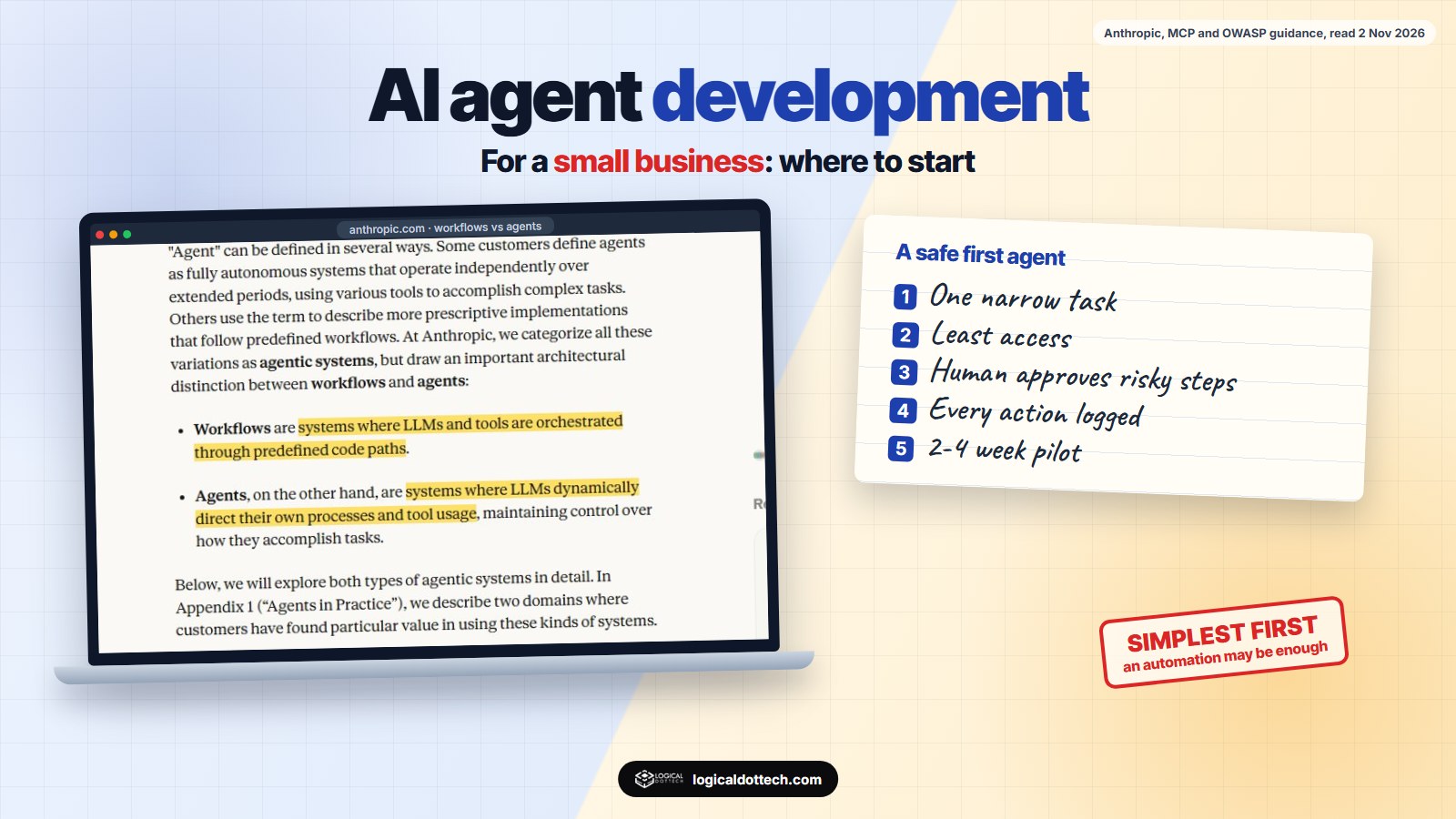
Short answer: an AI agent is software where a language model decides which steps to take and which of your tools to use to finish a task, such as sorting enquiries, preparing a quote or chasing an invoice. For a small business, the best first agent does one narrow, repetitive job, uses only the access it needs, and asks a person before it sends, pays or deletes anything. If the steps never change, a simple automation is cheaper and safer than an agent.
We build AI tools for businesses, and our own product, wptaskify, lets AI assistants such as Claude and ChatGPT manage WordPress sites. So we see both sides: what agents do well, and where they need a person watching. On 2 November 2026 we re-read the main public guidance on agents and their risks to write this plain-English guide for owners and managers of small businesses.
What is an AI agent, and how is it different from a chatbot or automation?
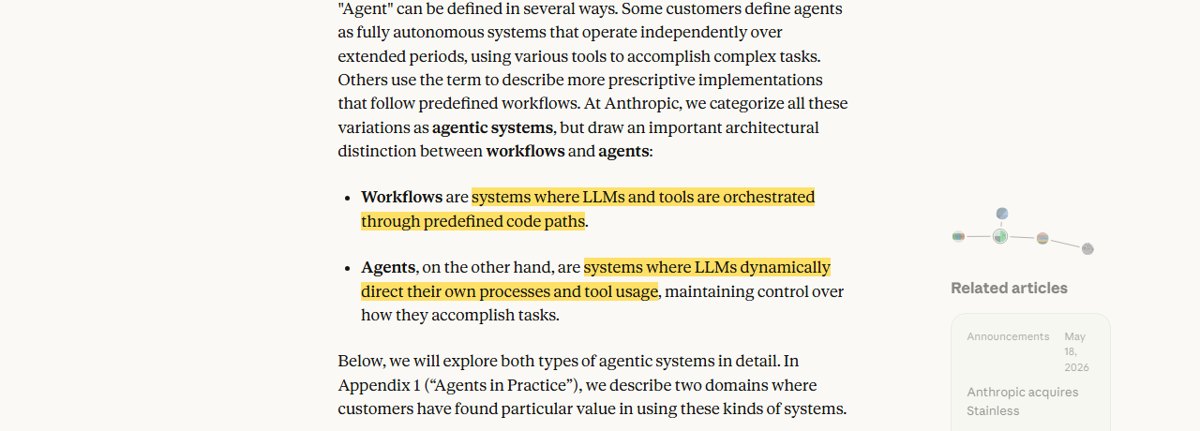
Anthropic draws a useful line. Workflows are “systems where LLMs and tools are orchestrated through predefined code paths”. Agents are “systems where LLMs dynamically direct their own processes and tool usage”. In plain words: in a workflow, you decide the steps; in an agent, the model decides them.
| Type | Who decides the steps | Good for |
|---|---|---|
| Plain automation | You, fixed in advance | “When a form is filled, add a row and send a thank-you email.” |
| AI workflow | You, with an AI model doing one step | “When an enquiry arrives, have AI sort it into sales, support or spam.” |
| Chatbot | The customer, through questions | Answering questions on your website. |
| AI agent | The model, within limits you set | Tasks where the steps change each time, such as “work out what this customer needs and prepare the reply”. |
The same article warns that agents “trade latency and cost for better task performance”, and that their autonomy means “higher costs, and the potential for compounding errors”. Its advice is to find the simplest solution and only add complexity when needed, which “might mean not building agentic systems at all”. We agree. Many of the jobs small businesses ask us about are better done by a workflow.
What can an AI agent do for a small business?
These are realistic first jobs, with the access each one needs and what a person should approve:
| Job | Tools it needs | Person approves |
|---|---|---|
| Sort the shared inbox and draft replies | Read email, write drafts | Every reply before it is sent |
| Prepare a quote from an enquiry form | Form entries, price list, document template | The quote before it goes out |
| Book appointments | Calendar, booking rules | Nothing for normal bookings; exceptions go to staff |
| Answer “where is my order?” | Read-only order lookup | Refunds and changes |
| Chase unpaid invoices | Read invoices, draft emails | The first reminder to each customer |
| Weekly report from several tools | Read-only access to each tool | Nothing; it only reads |
Our arithmetic: what one agent might save
Say your office gets 60 emails a day and someone spends about a minute and a half on each just to sort it and start a reply. That is 90 minutes a day. If an agent sorts them and prepares drafts, and the person spends 30 seconds checking each one, that is 30 minutes. The saving is about an hour a day, or roughly 20 hours a month. These numbers are an example, not a promise; measure your own before and after.
How does an agent connect to your tools?
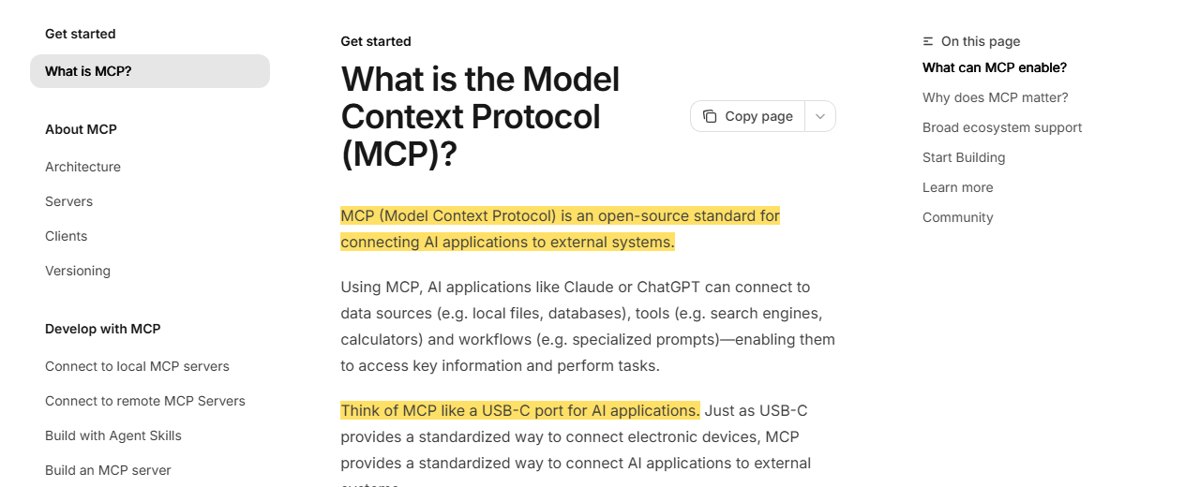
An agent is only as useful as the tools it can reach. The Model Context Protocol (MCP) is “an open-source standard for connecting AI applications to external systems”, and its documentation compares it to “a USB-C port for AI applications”. In practice, one MCP connector for your booking system or your website can be used by several AI assistants, instead of building a separate integration for each.
We built wptaskify this way. It is an MCP server that lets AI assistants work on WordPress sites: write and update posts, fix SEO fields, manage media and more. Two actions can break a live site, so they do not run straight away: theme switches and plugin deactivations go to an approval inbox for a person to confirm. Everything else runs when asked. That balance, with most work automatic and the risky steps checked, is what we recommend for any business agent.
What are the risks, and how do you control them?
OWASP ranks prompt injection as the first risk in its 2025 list for LLM applications. It “occurs when user prompts alter the LLM’s behavior or output in unintended ways”. The indirect kind matters most for agents: it happens “when an LLM accepts input from external sources, such as websites or files”. For a business agent, that means an email or a web page it reads could contain instructions meant to trick it.
OWASP’s guidance includes “Enforce privilege control and least privilege access” and “Require human approval for high-risk actions”. These are the rules we use:
- Least access. Give the agent its own account with only the permissions the job needs. Start read-only.
- Human approval for anything that sends money, deletes data, changes prices or emails customers.
- Limits. Caps on how many emails it can send, how much it can spend on AI usage, and how many records it can change in a day.
- Treat outside content as untrusted. Emails, web pages and uploaded files are data for the agent to read, never instructions for it to follow.
- Logs. Every action recorded, so you can see what it did and why.
- Testing with tricky inputs before it goes live, including messages that try to make it break its rules.
How should a small business start?
A good first project
- One task that happens many times a week.
- You can measure the time it takes today.
- Mistakes are easy to spot and cheap to fix.
- A person approves every action for the first few weeks.
- A pilot of two to four weeks, then a decision.
A poor first project
✗ “Automate the whole business” with no clear first task.
✗ Full access to email, bank and customer data on day one.
✗ A task where one mistake is expensive, like payments.
✗ No way to measure whether it helped.
If you are comparing companies to build it, our guide on how to choose an LLM development company lists the questions to ask about data, testing and running costs. For website chat specifically, see what to check before launching an AI chatbot.
How we build AI agents
We start with one task, map how your team does it today, and build a small agent that a person checks for the first weeks. We connect it to your tools with the least access it needs, keep a log of every action, and measure the time saved before adding anything else. See our AI agent development and AI automation services, or book a free 30-minute call and bring the task you would hand over first.
Common questions
What is an AI agent for a small business?
An AI agent is software where a language model decides which steps to take and which tools to use to finish a task, such as reading an enquiry, checking your calendar and drafting a reply. Anthropic describes agents as systems where LLMs “dynamically direct their own processes and tool usage”, unlike workflows that follow fixed code paths.
What is the difference between an AI agent and a chatbot?
A chatbot answers questions in a conversation. An agent takes actions in your tools: it can look up an order, update a spreadsheet, draft an email or book an appointment. Many useful business systems sit in between, with fixed steps and an AI model doing one part.
Is an AI agent safe to connect to my business tools?
It can be, with controls. OWASP lists prompt injection as the top risk for LLM applications and recommends least-privilege access and human approval for high-risk actions. Give the agent only the access it needs, start read-only, and require a person to approve anything that sends money, deletes data or emails customers.
What is MCP and why does it matter for agents?
MCP, the Model Context Protocol, is an open-source standard for connecting AI applications to external systems such as files, databases and business tools. It means one connector can work with several AI assistants, instead of a custom integration for each.
How should a small business start with AI agents?
Pick one narrow, repetitive task, measure how long it takes today, build a small pilot over two to four weeks with a person approving every action, and compare the time spent before and after. Expand only if the numbers are good.
Do I always need an agent?
No. Anthropic’s own advice is to find the simplest solution and only add complexity when needed, which might mean not building an agent at all. If the steps never change, a plain automation or a fixed workflow is cheaper and more predictable.
Sources read on 2 November 2026: Anthropic, Building effective agents; Model Context Protocol, What is MCP?; OWASP GenAI Security Project, LLM01:2025 Prompt Injection. wptaskify is our own product. The time-saving example is our own arithmetic, not a measured result.