
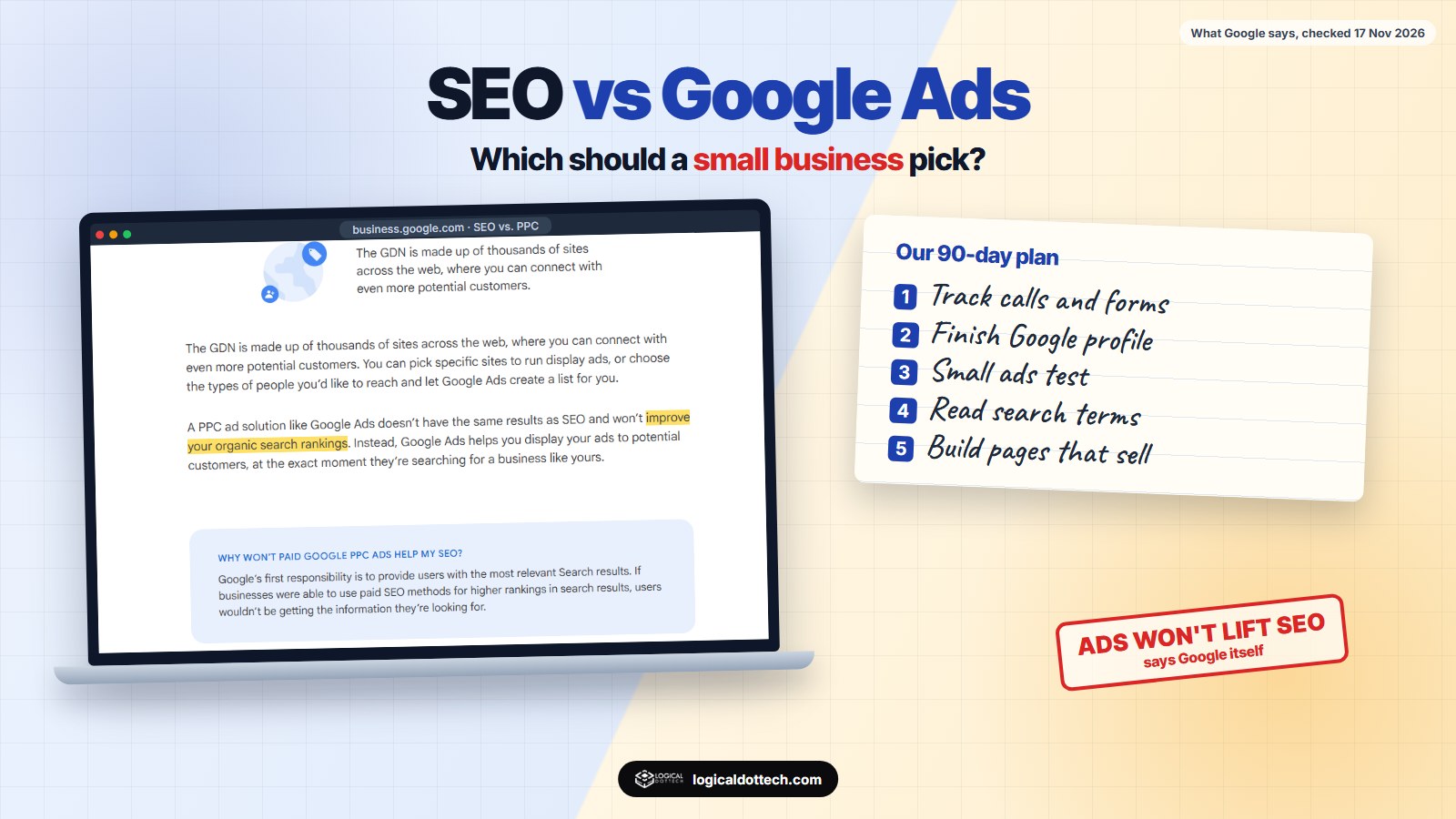
Short answer: Google Ads is rented visibility: you pay for every click and the visits start the day your campaign goes live, and stop the day you stop paying. SEO is owned visibility: it costs time or fees instead of clicks, takes months, and keeps working after the work is done. Google says its ads will not improve your organic rankings, so they do not replace SEO. For most small businesses we suggest a small ads budget on a few high-intent searches while the Google profile and service pages build up, then shifting money as the pages start to rank.
This is one of the first choices a small business faces when it starts marketing online. We already touch on it in is SEO worth it for a small business; this guide goes further, with what Google itself says about ads and organic results, when each one wins, and the 90-day plan we use when a client wants both. We read every source below on 17 November 2026.
What is the difference between SEO and Google Ads?
Google explains the split simply in its own SEO vs. PPC article. SEO means improving your site so it shows up more often in relevant searches, and “there’s no cost to appear in organic search results”. Google Ads is pay-per-click: you bid to show an ad next to searches, and “you only pay when someone clicks on your ad to visit your site or call your business”. Google also points out that you can change your ads any time, to target a place or promote a deal, which suits businesses that cannot keep updating their website.
So the real difference is how you pay. With ads you pay per visit, for as long as you want visits. With SEO you pay for the work, once or monthly, and the visits that follow do not carry a bill each.
Does running Google Ads help your SEO?
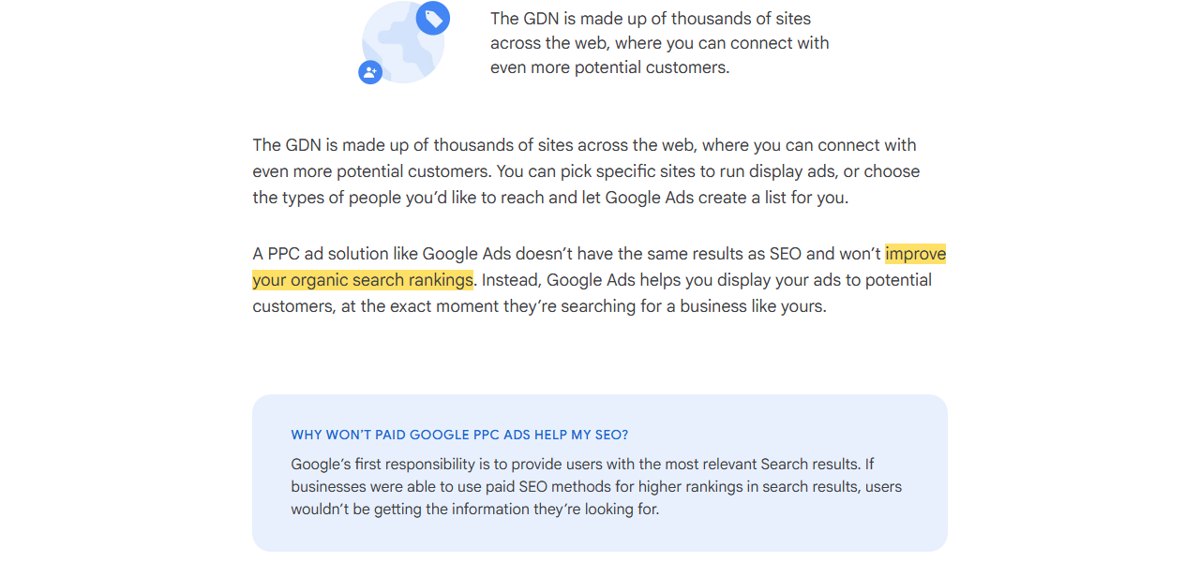
No. Google says plainly that a PPC solution like Google Ads “won’t improve your organic search rankings”. Its reason: Google’s first job is to show the most relevant results, and if businesses could pay their way up the organic results, users would not get what they were looking for. The reverse is also true: paying for ads does not push your organic rankings down. They are two separate systems that happen to share one results page.
That matters when an agency tells you ads will “help your SEO”. They will not, directly. What ads can do is give you data quickly, which we come back to below.
If you already rank, do you still need ads?
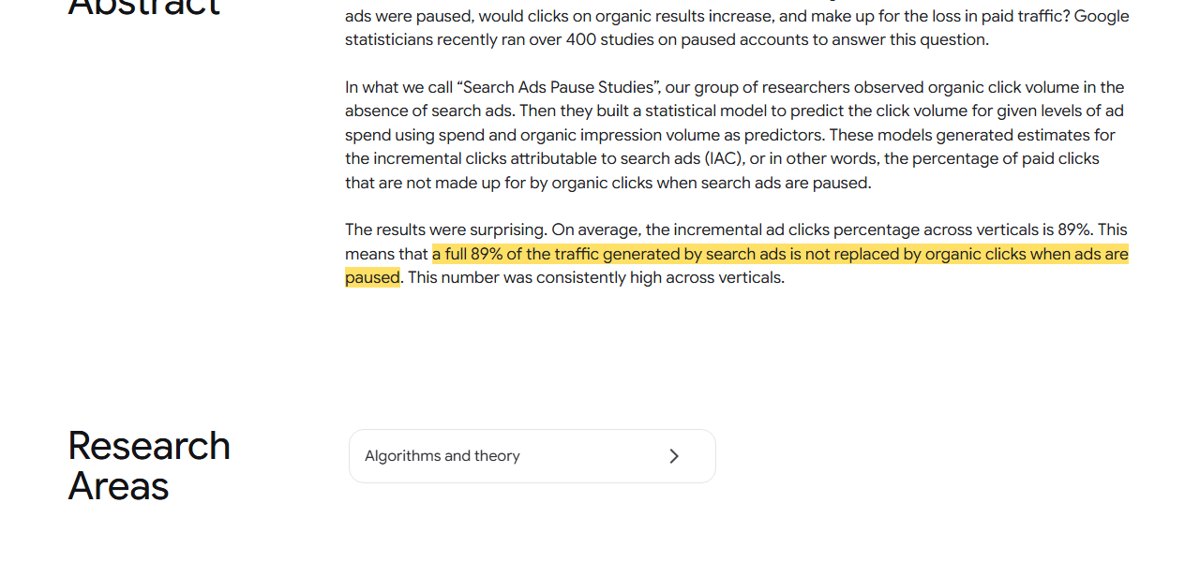
Google’s statisticians looked at this in what they called “Search Ads Pause Studies”, more than 400 studies on accounts that paused their ads. On average, they found that “a full 89% of the traffic generated by search ads is not replaced by organic clicks when ads are paused”. In other words, most people who clicked the ad did not simply click the organic listing instead.
Two cautions. The research is from 2011, and it was done by Google, which sells the ads. Results pages look different today, and a local shop that already sits first in Maps for its own name may lose little by pausing brand ads. Treat the 89% as a reason to test, not a reason to keep spending forever. The test is simple: pause one campaign for two weeks and compare total calls and forms, rather than clicks alone.
SEO vs Google Ads side by side
| SEO | Google Ads | |
|---|---|---|
| Speed | Weeks for a Google profile, months for pages | From the day the campaign is approved |
| How you pay | For the work, yours or an agency’s | For every click |
| Control | Google decides who ranks | You choose searches, places, hours and budget |
| What you keep | Pages, reviews and rankings stay with you | Data and learnings; visits stop with the budget |
| Risk | Slow, results not guaranteed | Money can burn on the wrong searches |
| Best for | Searches people make every month | Testing offers, new launches, short seasons, urgent jobs |
When should a small business start with Google Ads?
- You need leads this month. A new clinic, a new branch or a slow quarter cannot wait three months for pages to rank.
- Your offer is seasonal. Admissions, festive sales or wedding season last a few weeks; ads can switch on and off with them.
- You want to test what sells. Two weeks of ads on five services shows which ones bring enquiries before you spend on pages for all five.
- Customers search in a hurry. Emergency jobs such as repairs or urgent appointments are often decided on the first result that answers the phone.
When should SEO come first?
- Your Google Business Profile is not finished. For local businesses, a complete profile with the right category, services, photos and reviews is free and shows in Maps. Fix this before paying for any click.
- Your website cannot convert. Ads send visitors to a page; if that page is slow, unclear or has no phone button, you pay to lose them.
- Clicks in your trade are expensive. When each click costs a lot, every visit you earn through a ranking page saves real money.
- You plan to be around for years. Pages and reviews keep working long after the work is done.
How to use both together: our 90-day plan
When a client wants both, this is the order we follow. It is our own plan from client work, not a rule from Google.
- Week 1: tracking and the profile. Set up call and form tracking first, then finish the Google Business Profile. Without tracking you cannot compare ads and SEO at all.
- Weeks 2 to 6: a small ads test. Run ads on a handful of high-intent searches for your best services, in your area only, with a daily budget you are comfortable losing.
- Every week: read the search terms report. Google Ads shows the real searches that triggered your ads. Add the useless ones as negative keywords, and note the ones that bring calls.
- Weeks 3 to 10: build pages for what converts. The searches that brought paying customers in ads are the ones to write service pages for. Ads tell you which pages to build first.
- Week 12: compare cost per lead. Look at leads from ads, Maps and organic side by side. Keep ads where they bring leads at a cost you can live with; test pausing where a page already ranks well.
Do this
- Track calls and forms before spending a rupee on ads.
- Start ads small and local, on searches with clear buying intent.
- Use ad data to choose which service pages to write.
- Judge both on leads and cost per lead, not clicks or rankings.
Avoid this
✗ Buying ads to “help SEO”; Google says they do not.
✗ Broad keywords with no negative keywords.
✗ Sending ad clicks to the homepage instead of the service page.
✗ Stopping SEO after a month because nothing ranked yet.
What should you do this week?
If you have nothing in place, finish your Google Business Profile today; it costs nothing. Then decide what you can spend for three months, and split it: a small, tracked ads test for leads now, and steady work on service pages for leads later. If you would like help with either side, see our Google Ads management, PPC management and local SEO pages. If you are weighing doing ads yourself, read Google Ads agency or do it yourself, and if Facebook and Instagram are also on the table, Google Ads vs Meta Ads.
In India, book a free 30-minute call or ring our Fatehabad office on +91 70151 78387. In Canada, see our Toronto page or call +1 437-563-8080. In Australia, see our Australia page or message us on WhatsApp on 0494 866 992.
Common questions
Is SEO better than Google Ads for a small business?
Neither is better for every business. Google Ads brings visits from the day a campaign starts but costs money for every click. SEO costs nothing per click but takes months. Most small businesses do best with a small, tightly targeted ads budget while their Google profile and service pages build up.
Does running Google Ads improve my SEO rankings?
No. Google says a PPC ad solution like Google Ads does not have the same results as SEO and will not improve your organic search rankings. Paying for ads does not hurt your rankings either; the two are separate.
If I rank first on Google, should I stop my ads?
Test it before you decide. Google’s own pause studies in 2011 found that on average 89% of the visits from search ads were not replaced by organic clicks when ads were paused. That was Google’s research, so check it on your own account by pausing for two weeks and watching total leads.
How long does SEO take compared with Google Ads?
Google Ads can bring visits the same day a campaign is approved. SEO is slower: a well set up Google Business Profile can move in Maps within weeks, while new website pages usually take a few months to settle in search results.
How much should a small business spend on Google Ads?
There is no single right amount. Start with a daily budget you could lose for a month without worry, target a handful of high-intent searches, and track every call and form. After a few weeks, your cost per lead tells you whether to spend more.
Can I do SEO and Google Ads myself?
Yes, for a small local business, if you have a few hours a week. The basics are a complete Google Business Profile, one page per service, conversion tracking and a weekly look at the Google Ads search terms report. Hire help when the time or the results are not there.
Sources read 17 November 2026: Google Ads, SEO vs. PPC: what are they? (March 2023); Google Research, Incremental Clicks Impact Of Search Advertising, Chan, Yuan and others, Google, 2011. The 90-day plan is our own working method, not Google guidance.