
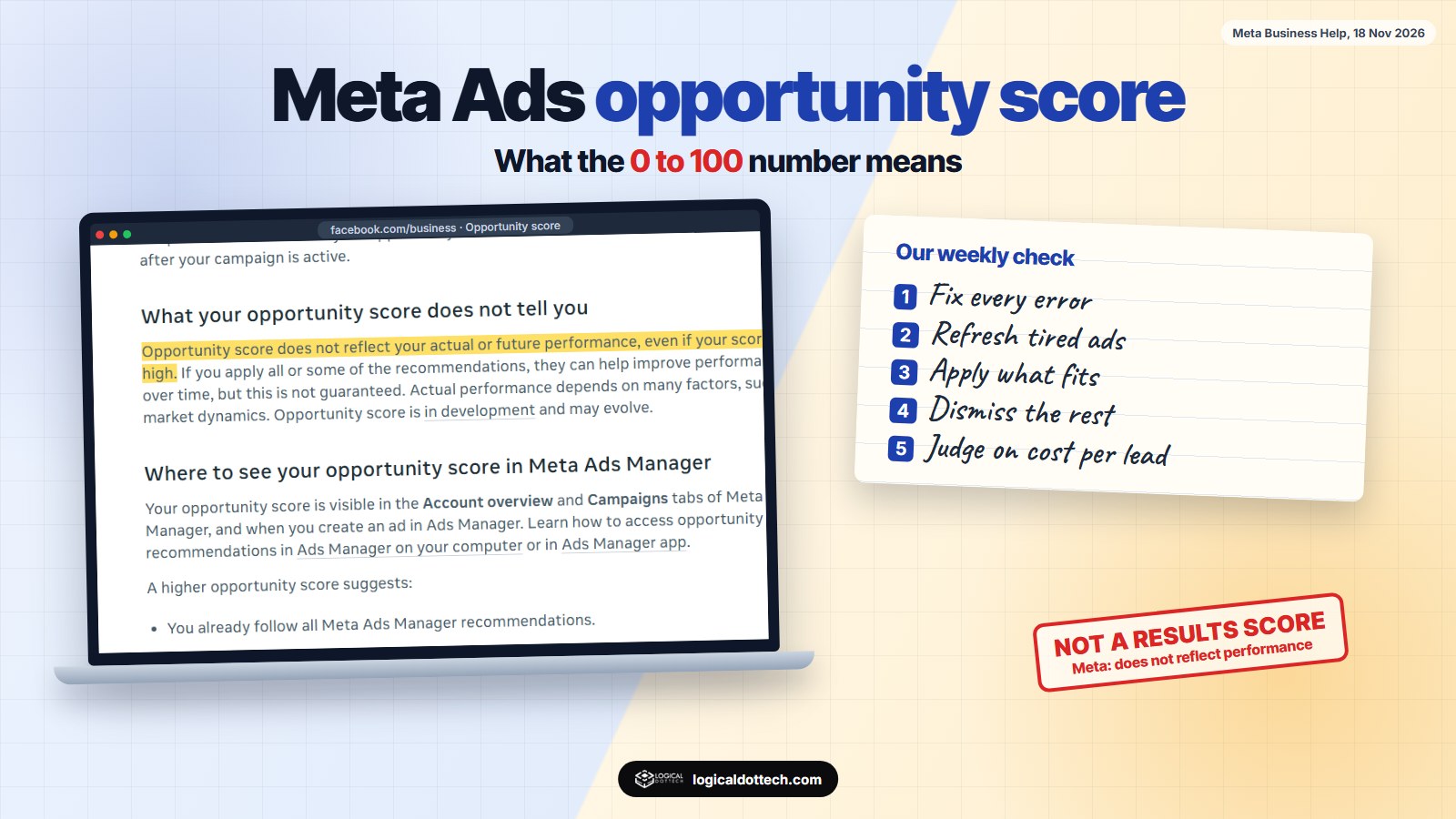
Short answer: Opportunity score is a 0 to 100 number in Meta Ads Manager that shows how many of Meta’s recommendations you have applied. It is a to-do list with points, not a grade for your ads. Meta itself says a high score does not mean good results and a low score is no reason to switch a campaign off. Fix every error, apply the recommendations that fit your business, dismiss the rest, and keep judging ads on cost per lead or sales.
If you have opened Meta Ads Manager recently, you have probably seen a number like 64 or 100 at the top of your campaigns. Many small business owners take it as a score for their ads and start clicking every suggestion to reach 100. On 18 November 2026 we read Meta’s own help pages on opportunity score from start to finish. This is what the number means, what it does not mean, and how we decide which recommendations to apply for clients.
What is Meta’s opportunity score?
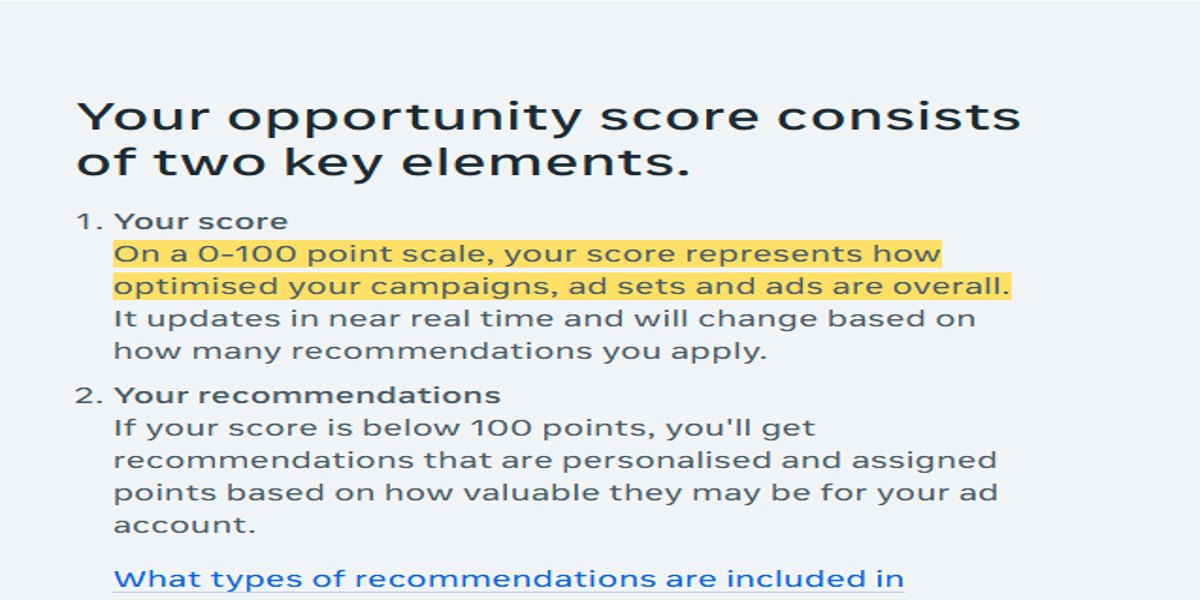
Meta’s help page describes it as a score “on a point scale of 0 to 100” that “represents how optimised your campaigns, ad sets and ads are.” The score is “based on how many Meta Ads Manager recommendations you apply.” Errors and warnings count too, such as missing information, wrong formatting or policy problems.
You will find it in two places, according to Meta’s access guide: the Account overview section, and the top of the Campaigns tab, above the table, where an Actions column may list recommendations next to each campaign. It also appears while you create an ad. Meta notes that the feature “is in development and may evolve”, so the exact screens can change.
How is the score calculated?
Each recommendation carries points. Meta says the points depend on “your business type, campaign objective and characteristics, budget allocation and performance improvements seen for that recommendation in experiments.” So two accounts can see the same suggestion with different point values.
Meta’s own worked example: an account at 60 points could gain 35 points by fixing audience fragmentation (similar audiences in different ad sets competing with each other) and 5 points by using Advantage+ placements. Applying both takes the score to 100. A few rules from the same page are worth knowing:
- Dismissing does not change the score. The recommendation moves to a Dismissed tab, and the dismissal applies to that one campaign only.
- Errors block points. If a campaign has several errors, you get no points until all of them are fixed.
- An account-level error hides the score completely.
- The score moves on its own. It can drop with no change from you when Meta finds new recommendations, for example when an ad image has been shown too often.
What does the score not tell you?
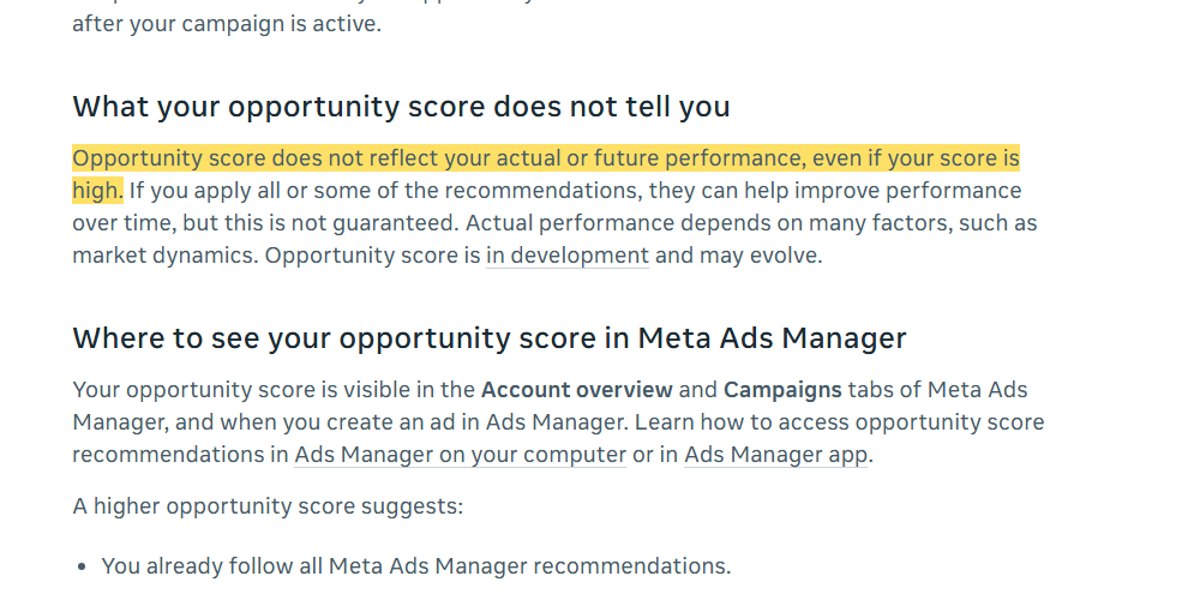
This is the part most people miss. Meta writes: “Opportunity score does not reflect your actual or future performance, even if your score is high.” Applying recommendations “can help improve performance over time, but this is not guaranteed.”
Meta’s opportunity score page adds three more points we agree with:
- A 10-point rise in score does not mean a 10% rise in results. The score measures how much of the available advice you have adopted, nothing more.
- “Your ads will not be penalised if you have a lower opportunity score or dismiss the recommendations.”
- “You should not turn off campaigns with a low opportunity score.” Judge them on your business goals.
So a campaign can sit at 100 and still lose money, and one in the 60s can bring steady leads. The score knows nothing about your offer, your price, your landing page or how fast you call people back.
What kinds of recommendations will you see?
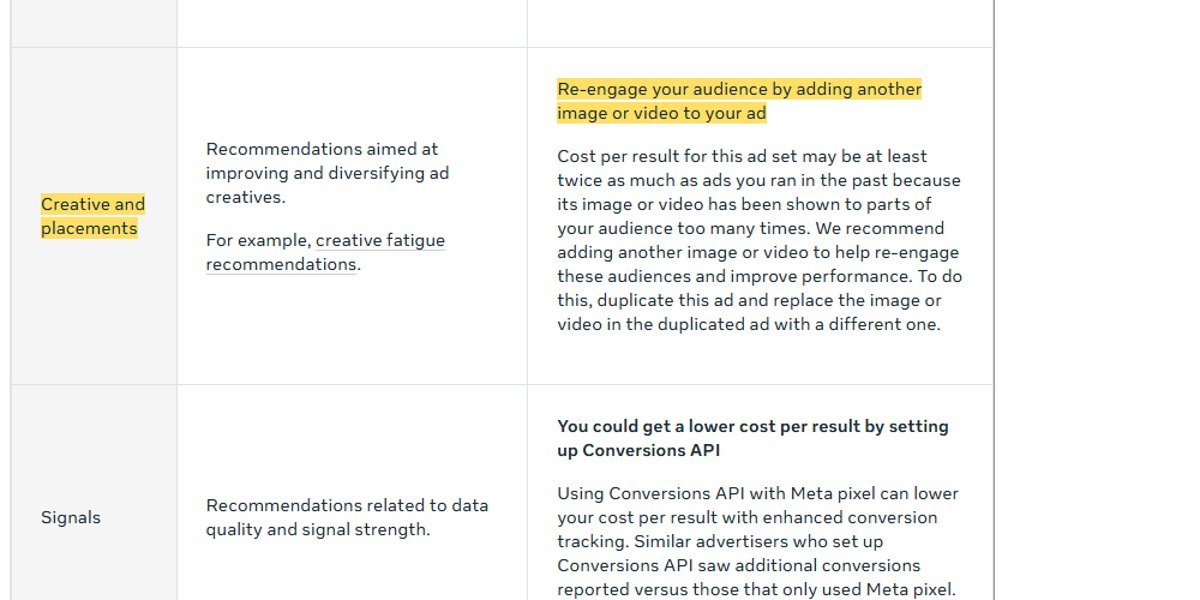
Meta’s list of recommendation types has seven groups. The right-hand column is our own plain-English summary of what each group usually asks you to do.
| Meta’s category | Typical recommendation | In plain words |
|---|---|---|
| Automated campaigns | Try an Advantage+ campaign | Let Meta run more of the setup |
| Objective and goals | Maximise number of conversions | Change what the campaign aims for |
| Audience | Advantage+ audience, fix fragmentation | Wider targeting, fewer overlapping ad sets |
| Creative and placements | Add another image or video | Your ad has been seen too often, refresh it |
| Signals | Set up Conversions API | Better tracking of sales and leads |
| Budget and bidding | Scale a high-performing campaign | Spend more on what works |
| Other | Reply to messages within 5 hours | Errors, warnings and anything else |
Should you apply every recommendation?
No. Our rule: fix every error and warning, apply the recommendations that match how your business actually sells, and dismiss the ones that do not. This is how we sort them for small businesses, and it is our working opinion, not Meta’s:
| Recommendation | We usually apply it when | We hold back when |
|---|---|---|
| Errors and warnings | Always | Never |
| Add new image or video (creative fatigue) | Almost always; Meta says cost per result may be at least twice past ads | The ad is days old and still converting well |
| Fix audience fragmentation | Budget is small and split across many similar ad sets | The ad sets are deliberately different, such as two cities with different offers |
| Advantage+ audience | You sell across India or ship anywhere | You serve a small area; check the location limits stay as you set them |
| Conversions API | You take orders or bookings on your website | Leads come only through WhatsApp or calls, with nothing to track on a site |
| Maximise conversions goal | Your pixel or Conversions API records real sales or leads | Tracking is not set up yet; fix that first |
| Increase budget on a winner | You have the cash and can serve more customers | You are already fully booked or stock is short |
| Reply to messages faster | Always; slow replies waste paid leads | Never |
One more setting to know: Meta offers auto-apply in Account overview, which applies recommendations as they appear. For small accounts we keep it off and review the list once a week, because a budget increase or audience change should be a decision, not something that happens while you are busy running the shop.
What does “over 5% lower cost per result” mean in rupees?
Meta’s page says: “Advertisers who adopted opportunity score recommendations saw, on average, an over 5% median decrease in their cost per result.” That is Meta’s own figure across many advertisers, not a promise for your account.
Our arithmetic, to show the scale: a business spending ₹15,000 a month at ₹200 per lead gets 75 leads. At 5% lower cost per lead, ₹190, the same budget gets about 79. Useful, but small next to the things the score cannot see. A better offer, a faster landing page or replying to every lead within minutes can change results far more than 4 extra leads a month.
How is opportunity score different from campaign score?
Meta uses two similar numbers. Opportunity score covers your whole ad account and keeps changing as campaigns run. Campaign score covers a single campaign while you are creating it, before you publish, and predicts how well that campaign is set up. Meta also says being in the learning phase does not affect your opportunity score.
Our 10-minute weekly check
- Open Account overview and look at errors and warnings first. Fix all of them.
- Read each recommendation and the points next to it. High points tell you what Meta thinks matters most for your account.
- Apply the ones that fit using the table above. Refresh tired creatives the same week.
- Dismiss the rest with a short note to yourself on why, so you do not reconsider it every week.
- Check real numbers last: cost per lead, cost per sale or return on ad spend, against last week. That is your real score.
If you want to see how Meta ads compare with Google for your business, read our Google Ads vs Meta Ads guide and SEO vs Google Ads. For help running campaigns, see our Meta ads service and PPC management pages. In India, book a free 30-minute call or ring our Fatehabad office on +91 70151 78387. In Canada, see our Toronto page or call +1 437-563-8080. In Australia, see our Australia page or message us on WhatsApp on 0494 866 992.
Common questions
What is opportunity score in Meta Ads Manager?
It is a number from 0 to 100 that shows how many of Meta’s recommendations you have applied to your campaigns, ad sets and ads. Each recommendation carries points, and fixing errors and warnings also counts.
Does a higher opportunity score mean better results?
No. Meta says the score does not reflect your actual or future performance, even if it is high. It measures how closely you follow Meta’s recommendations, not how many leads or sales you get.
Should I turn off a campaign with a low opportunity score?
No. Meta says you should not turn off campaigns because of a low score, and that you should judge performance on your business goals, such as cost per lead or return on ad spend.
Will Meta penalise my ads if I ignore recommendations?
Meta says your ads will not be penalised for a lower score or for dismissing recommendations. A dismissed recommendation moves to the Dismissed tab and the score stays where it was.
Where do I find my opportunity score?
In Meta Ads Manager, in the Account overview section and at the top of the Campaigns tab, above the table. You also see it when you create an ad. If your ad account has an account-level error, the score does not appear.
What is the difference between opportunity score and campaign score?
Opportunity score covers your whole ad account. Campaign score covers one campaign while you are creating it, before it is published, and predicts how well set up that campaign is.
Sources read 18 November 2026: Meta Business Help, About opportunity score in Meta Ads Manager; Meta Business Help, Types of opportunity score recommendations; Meta Business Help, How to access opportunity score recommendations; Meta for Business, Opportunity score. Meta says opportunity score is in development and may change. The apply or hold back table, the weekly check and the rupee arithmetic are our own working method.